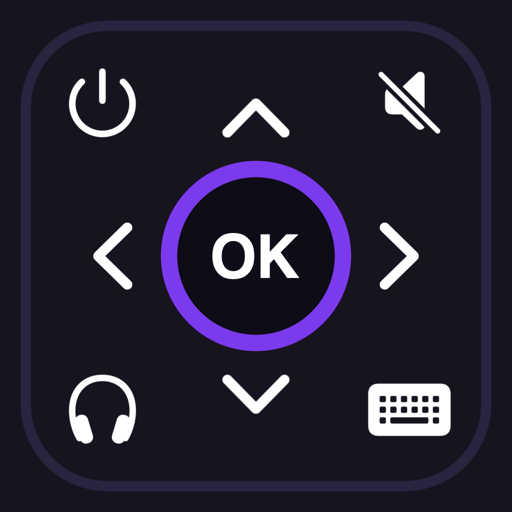
Touchpad or D-pad: choosing how you steer
Roku's menus are a grid, and there are two sensible ways to move around one. The touchpad is faster once it clicks: a swipe left moves one tile left, a flick keeps going, and a tap in the middle is OK. The D-pad is the layout your hands already know from the remote in the drawer.
Switch between them
- Open Settings in Roku Remote.
- Under the remote layout, choose Touchpad or D-pad.
- Go back to the remote. The choice is remembered, and you can change it as often as you like.
The keys that are always there
Whichever layout you choose, the rest of the remote does not move: Back and Home, volume up and down, mute, instant replay, rewind, play/pause and fast forward, and the power key at the top. Holding a volume key repeats it, the way holding it on the physical remote does.
Left is left in every language
The arrows and the media keys stay in the same left-to-right order even when your iPhone is set to a right-to-left language such as Arabic, because on the TV left means left. Only the text around them flips.
FAQ
- Can I use my iPhone's volume buttons instead?
- The volume buttons control your iPhone. During private listening that is exactly what you want, because the sound is coming out of your iPhone. For the TV's own speakers, use the volume keys on the remote screen.
- Does the touchpad have a scroll speed setting?
- No. A short swipe moves one step and a longer, faster one moves several, so the speed follows your finger rather than a setting.
- Is there haptic feedback?
- Yes — keys give a small tap so you can tell a press registered without looking at the screen.
Roku Remote is an independent app and is not affiliated with, endorsed by or sponsored by Roku, Inc. Roku is a trademark of Roku, Inc.
The remote you never lose
Roku Remote gives your iPhone a touchpad, a keyboard for searching and signing in, your channels, private listening through your headphones and a sleep timer. It finds your Roku on your Wi-Fi — no account, and nothing through our servers.
Coming soon to the App Store for iPhone.